The internal adoption of Microsoft 365 Copilot drives the integration of this tool into everyday workflows, streamlining repetitive tasks and freeing up time for higher-impact activities. This strategic approach ensures that employees capture its practical value, improving efficiency and fostering innovation.
"Our employees are putting it to work for them right away," says Claire Sisson, principal group product manager at Microsoft Digital, Microsoft's internal IT organization. "It immediately starts giving you intelligent information that helps you stay on top of your work."
Microsoft 365 Copilot uses artificial intelligence and large language models to increase productivity. It offers an integrated experience across Microsoft 365, Windows, Bing and the Microsoft Cloud. As customer zero, Microsoft got early access to this tool and tested it at enterprise scale.
Microsoft got early access to Microsoft 365 Copilot as part of its role as customer zero. That allowed it to test and refine its products at enterprise scale.
"We are pioneers in the use of AI in our products," says Sisson, who leads the rollout of Microsoft 365 Copilot internally at Microsoft. "We are the first company in the world to launch Copilot at scale, and we are capturing a huge amount of information."
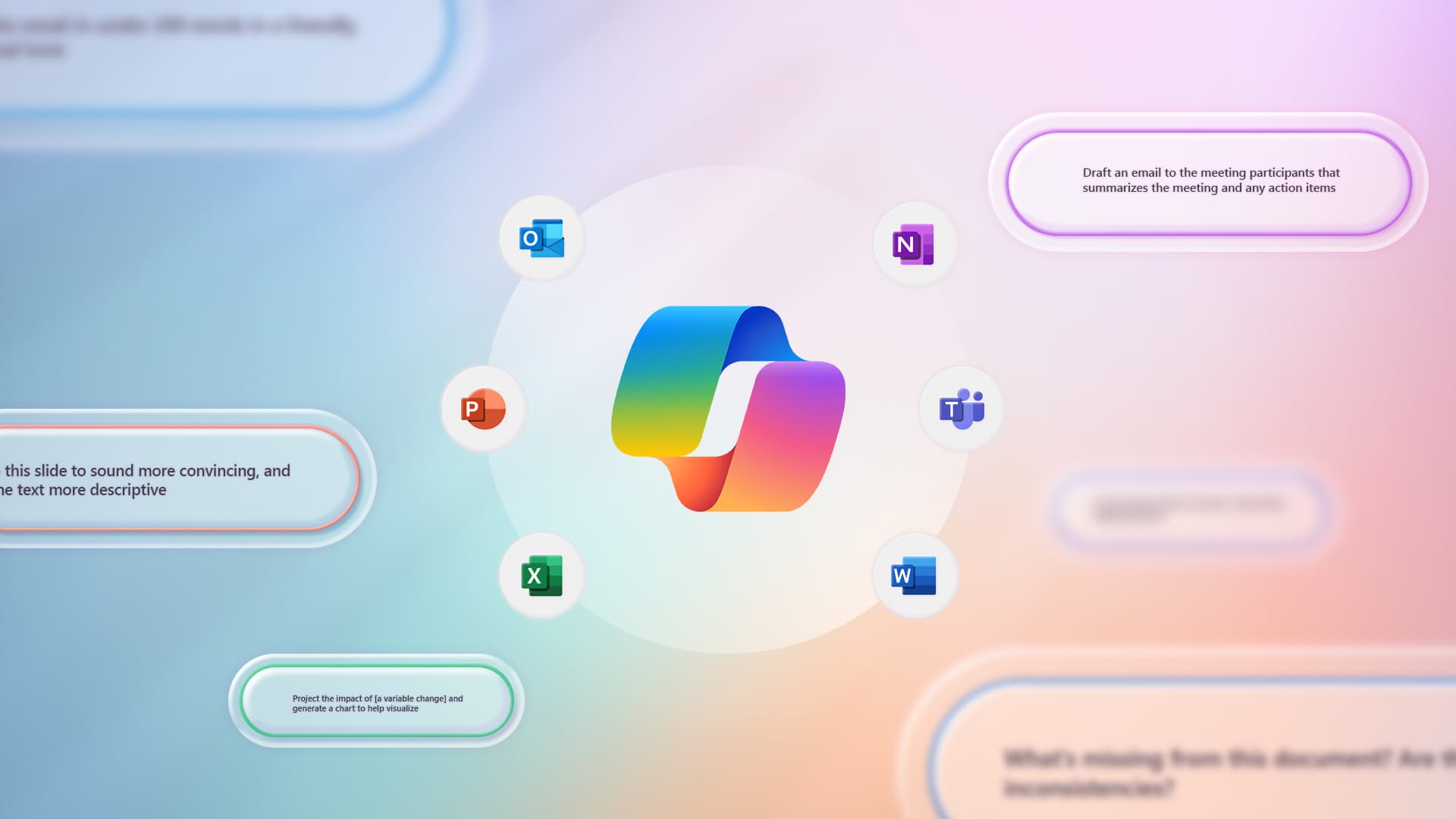
Feedback from early users is helping Microsoft refine Microsoft 365 Copilot for its customers. Its power lies in its integration with Microsoft 365 Graph and key applications such as Word, Excel, PowerPoint, Outlook and Teams, which employees and customers alike use every day.
Microsoft 365 Copilot offers multiple benefits. It can summarize action items from important meetings, run instant analyses of recent data and create high-quality content on the spot to support key projects.
"Its ability to increase productivity and produce high-quality work for our employees lets them devote their attention to their core work and their big aspirations," says Sisson. "And, frankly, that is what is happening: our employees are getting time back to work on the things they love, and that is the high-value work that moves this company forward."
Success as customer zero
We know Microsoft 365 Copilot evolves day by day. As the company's IT organization, we work to understand those changes, document them and translate them into communication and readiness assets for our employees. As we work to build a better product, the speed of these cycles accelerates awareness and improvement.
"We are constantly engaging our employees," says Sisson. "Every application within Microsoft 365 has its own product team developing Copilot features and experiences. We are working with these teams to provide valuable feedback and, in doing so, we, just like our customers, benefit from the product getting better and better."
As customer zero, Microsoft makes sure its products are consistent and human-centered. It evaluates factors such as culture, religion and political beliefs in order to analyze how Microsoft 365 Copilot performs and interacts with employees. Copilot is currently available in eight languages, and there are plans to expand that support soon.
"The level of complexity we are dealing with is very high," says Sisson. "We are capturing and responding to very diverse feedback from employees spread all over the world."
We also prioritize trust, security and compliance. We are working with product teams, a wide range of regulatory bodies and regional works councils to make sure we are looking after the best interests of our employees and our company.
"The true potential of Microsoft 365 Copilot lies not only in its current capabilities, but also in its future possibilities," Sisson notes.
Microsoft prioritizes trust, security and compliance. It works with product teams, regulatory bodies and regional councils to safeguard the well-being of its employees and the interests of the company.
Working with the works council
Microsoft works with EU works councils to explore the regulatory and ethical boundaries of using Microsoft 365 Copilot. These groups assess how AI augments human capabilities while respecting local laws, improving productivity and job satisfaction. They also provide key insights to ensure language accessibility and respect for cultural nuance.
"Our strong relationship with our works council in Germany helped us get the approvals we needed to deploy Copilot quickly," says Anna Kopp, director of business programs for Microsoft Digital in Germany. "Because of our proactive outreach, our works council moved almost immediately into a state of 'tolerance' toward Copilot, which basically means they have not blessed it, but they are not blocking it either."
The key was collaborating early and doing it often.
"We gave our works council members early access to Microsoft 365 Copilot so they could try it out and give us their opinion," says Kopp. "Their feedback helped us improve the product in many ways, especially when it comes to potential uses around behavioral assessment, which is not permitted in Germany. Giving them early access increased trust and allowed them to help us improve the product for all of our customers with works councils."
A commitment to cybersecurity
Although AI generates excitement, it also raises concerns. Microsoft applies governance measures to protect employees and the company, promoting trust and transparency. It complies with responsible AI guidelines and works with employees represented by unions and works councils.
"It is important for our employees, and for the broader Microsoft 365 Copilot user base, to understand that we are deploying AI as an enhancer and accelerator, not as a substitute," says Sisson. "Successful use of AI lies in helping humans make better decisions, not in replacing those decisions altogether."
Microsoft has invested significant effort in establishing solid governance measures. This groundwork has made the rapid rollout of Microsoft 365 Copilot easier.
Three key points for making works council reviews of Microsoft 365 Copilot smoother:
- Give your works council members early access to the product. This gives them time to understand how it works, and they will be able to give their stamp of approval much faster if they can try it themselves.
- Hold regular calls, such as office hours, with specialists who can answer the technical questions they may have, working with your Microsoft account team and your own IT staff. It is important to monitor and stay close so that misconceptions can be cleared up in time.
- Define a learning path using the available learning materials, for example from Microsoft Viva Learning or LinkedIn Learning, covering what generative AI is and, for instance, how to prompt it correctly. We all need to learn how to interact with this new technology in order to get the excellent results and time savings we want. Microsoft offers a wealth of training and courses to help with this free of charge.
"Governance and compliance for Microsoft 365 Copilot live in the underlying data it uses to deliver its insights and take action," says David Johnson, the principal PM architect at Microsoft Digital who leads our governance efforts. "The data discovery Copilot performs is built on a good data governance structure. We have strong permissions systems that ensure our AI tools do not share information based on data an employee should not have access to."
Johnson and his team work with the Microsoft 365 Copilot products to apply governance standards across all deployments. This includes robust labeling to prevent data oversharing, educating employees on the appropriate use of AI and evaluating how Copilot uses and surfaces data.
"It is about working together to create an environment where Microsoft 365 Copilot can be a practical, trusted companion for the productivity and empowerment of our employees," says Johnson.
Showing the power of AI
Deploying Microsoft 365 Copilot to employees is only the beginning: the goal is to embed it in their workflow. The aim is for them to focus on high-impact tasks and let Copilot handle work such as analyzing Excel data or creating PowerPoint presentations from Word documents.
The adoption approach follows three key pillars: vision, to create a solid plan that encourages adoption of the product; onboarding, to drive its introduction; and value generation, to help employees discover the product's practical benefits.
By following these recommended practices, new users can optimize their experience with Microsoft 365 Copilot and make the most of its capabilities. Click here to learn more about Microsoft 365 Copilot prompts.
In the end, the best way to get your employees to start using a new product like Microsoft 365 Copilot is to show them how it can improve their lives.
"Copilot represents a profound shift in the way our employees work," says Stephan Kerametlian, director of employee experience at Microsoft Digital. "They are seeing the benefits right away."
To begin with, they now use natural language to reach tools that have been available for a long time but that they did not know about or did not know how to use efficiently.
"Most people only use a small fraction of the features built into Microsoft 365 applications," says Kerametlian. "Copilot users do not need to know exactly where a feature sits in the app interface; they do not even need to know it is there. They just have to imagine what they want to accomplish, and Copilot will show them the feature."
As a result, Microsoft employees are exploring innovative and creative ways of working.
Microsoft 365 Copilot improves the productivity of Microsoft employees by taking on routine tasks and repetitive processes, allowing them to focus on higher-value activities.
"That lets them concentrate on ideation, creativity and strategy, the tasks where they can really add value," says Kerametlian.
It also contributes to employees' skills development, strengthening their ability to work more effectively and more innovatively.
"Talking to Copilot through intuitive natural language interaction makes discovery easier and speeds up learning," says Kerametlian. "This makes our employees better at what they are already good at and helps them quickly become experts in what they are learning. They can get comfortable quickly with the handful of commands that help them learn the technology and improve their skills."
In fact, Kerametlian says, Microsoft 365 Copilot is so powerful that it is unleashing a new era of employee creativity and productivity.
"It is a very natural thing, asking it for help," he says. "The most interesting part will be seeing what our employees do with it. We expect to see some very creative and surprising results."
On the road to what comes next
The future of Microsoft 365 Copilot is promising. Its success depends not only on its deployment, but also on its adoption and day-to-day impact. Customer Zero, with its internal and external feedback, will be key to optimizing and expanding its use over time.
"We are committed to the evolution of Microsoft 365 Copilot at Microsoft," says Sisson. "As we move forward, our mission remains to enable a seamless, productive and enriched work experience for our employees."
We are charting a path where technology and human ingenuity converge through continuous feedback, rigorous refinement and adherence to best practices.
"We are very excited about where we are right now," says Sisson. "Microsoft 365 Copilot is not just a tool for our employees to use, it is a testament to the future of work, a future in which technology augments human potential, empowering every individual to achieve more."
Key takeaways
Here are some things to think about as you consider getting started with Microsoft 365 Copilot:
- Copilot is a powerful AI assistant that can help you generate text and images, summarize documents, create presentations and much more using natural language prompts.
- Copilot works across several Microsoft 365 applications, such as Word, Outlook, PowerPoint, Teams and OneNote. As soon as you have it, you can access Copilot by selecting the Copilot icon in the app.
- Copilot respects your privacy and security. It only accesses information you have permission to see, and it does not store any of your data. You can also review and edit the content Copilot generates before using it.
- Copilot is designed to enhance your creativity and productivity, not to replace them. You should always check the facts, accuracy and quality of the content Copilot produces and use your own judgment and expertise to decide whether to use it.
- Microsoft is constantly learning and improving Copilot based on your feedback.